Rename a field
Goal: replace telefono with celular, and have the database keep what it already had.
1. Change the name
In Estructura, click the name telefono, replace it with celular, and press Enter.
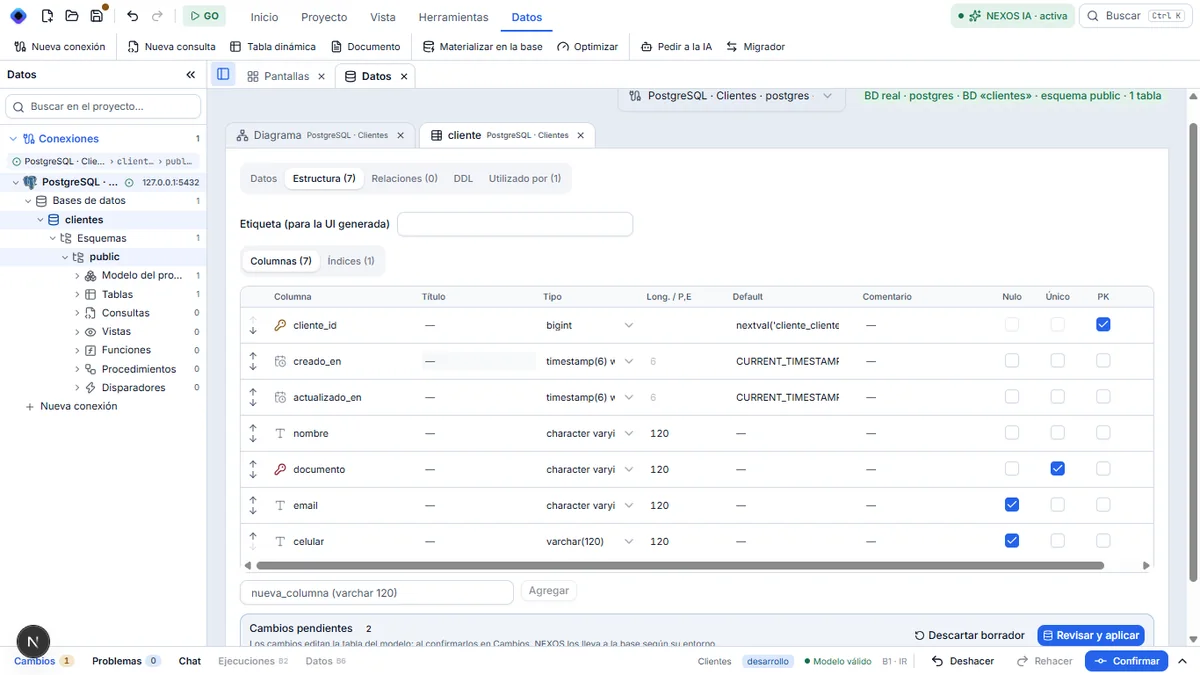
2. Confirm
Click Confirmar, then Confirmar · 1. The notice « Base al día » appears.
Result
NEXOS renamed the column in the database (RENAME COLUMN). It did not delete it to create another one. The original path verified this with a row already present: after the rename, the value was still in the celular column.
Next step: remove a field.